
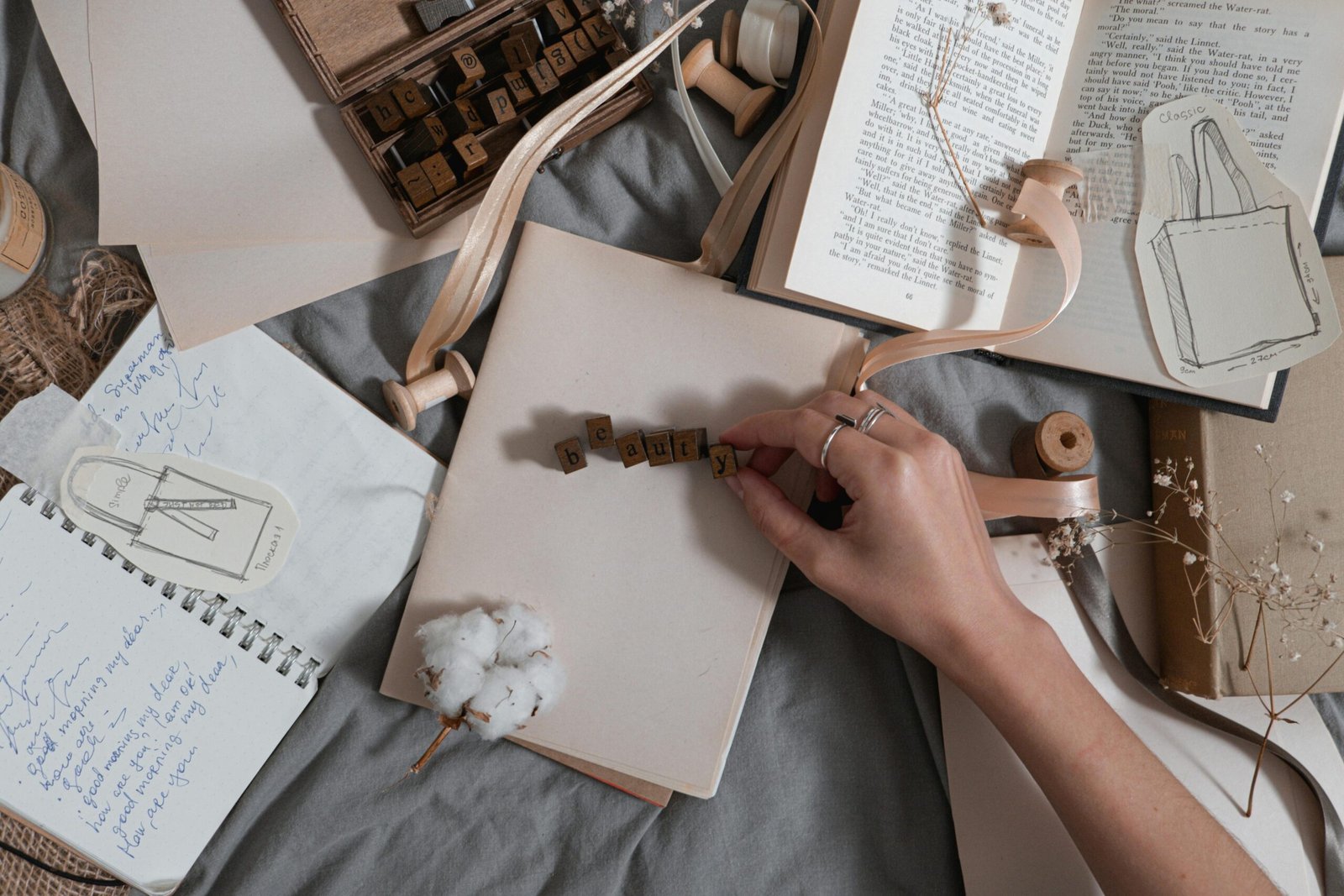
A fresh page starts with one simple decision
The hardest part of scrapbooking isn’t cutting paper or choosing stickers. It’s sitting down with your photos and thinking, “Okay… where do I start?”
If you’ve ever felt stuck staring at a blank cardstock sheet, you’re not alone. Creative block happens to every scrapbooker—especially when you’re a beginner, or when your supplies are scattered, or when you’re trying to make a page “worthy” of your favorite memories.
Here’s the good news: you don’t need a brand-new style or a huge stash to make a page you love. You just need a few layout ideas (and a system) that help you go from blank page to finished story without overthinking.
In this article, you’ll find a deep collection of layout ideas—ranging from simple beginner designs to more creative, interactive concepts. Each idea is designed to help you:
- use your photos in a way that feels intentional
- create pages that look “put together” without feeling complicated
- tell a story (not just decorate paper)
- finish pages faster and with less stress
Let’s turn that blank page into something meaningful.
The 5 building blocks behind every great layout
Before we jump into ideas, it helps to understand what makes layouts work. Most scrapbook pages—no matter the style—are built with the same core elements.
1) Photos
Your photos are the main characters. The layout should support them, not compete with them.
2) Title
A title gives the page direction. It can be one word or a full phrase.
3) Journaling
Even a few lines can turn a photo into a story you’ll remember years later.
4) Embellishments
These are the “flavor.” Stickers, die-cuts, stamps, and little accents should enhance the theme.
5) Visual structure
This is how everything is arranged: alignment, spacing, layering, and balance.
When you feel stuck, don’t ask “What should I make?” Ask:
How can I arrange these five pieces in a new way?
A quick “layout formula” that always works
If you want a reliable framework, try this beginner-proof formula:
- Choose 1–3 photos
- Pick 2–3 colors (one neutral + two accents)
- Build a photo cluster (photos + mats + small layers)
- Add a title near the cluster
- Add journaling in a simple block
- Add 3 embellishments in a triangle pattern
- Step back and remove one thing if it feels crowded
This formula works for almost every theme: travel, birthdays, everyday moments, school memories, holidays, pets—anything.
Now let’s get to the fun part: layout ideas you can copy, remix, and make your own.
12 beginner-friendly layout ideas you can finish fast
These designs are meant to be simple, clean, and low-stress1) The Center Spotlight
Place one photo in the center with a mat behind it. Add a title above or below, and keep embellishments minimal.
Why it works: Your eye goes straight to the photo. No confusion.
Best for: one strong photo, portraits, milestone moments.
2) The Two-Photo Balance
Place two photos side-by-side, aligned at the top or bottom. Add journaling on the opposite side, like a visual “see-saw.”
Tip: If the photos don’t match in color, unify them with the same mat color.
3) The Simple Grid (4 blocks)
Divide the page into four rectangles:
- one large photo
- one small photo
- journaling block
- embellishment/title block
Why it works: It looks organized instantly.
4) The Vertical Photo Strip
Create a vertical strip down one side using:
- photos stacked top to bottom
- small embellishments between them
- a title running vertically (optional)
Best for: photo booth pictures, travel snapshots, series of small photos.
5) The Horizontal Band
Create one wide band across the middle of the page using patterned paper. Place the photo(s) on that band. Add journaling above or below.
Fast win: It looks designed even if you use just one embellishment.
6) The “Big Title” Page
Use a large title as the main design element. Keep the photo smaller and place it nearby.
Best for: pages where the phrase is the emotional highlight (first day, reunion, celebration, funny moment).
7) The Corner Cluster
Put your photo cluster in one corner—top left, bottom right, any corner. Keep the rest of the page airy.
Why it works: It creates a modern, clean style with less effort.
8) The Frame Layout
Create a frame using strips of patterned paper around the edges. Place the photo in the center.
Tip: Add one small label or journaling strip inside the frame.
9) The “One Pattern, One Solid” Rule
Use:
- one bold patterned paper
- one solid cardstock
- one photo mat color
Then add the photo and minimal embellishments.
Why it works: Color harmony without needing a lot of supplies.
10) The Photo + Journal Card Combo
Use one photo and one journaling card as the two main blocks. Add title and a tiny cluster.
Perfect for: when you want the journaling to matter as much as the photo.
11) The Layered Mat Stack
Mat your photo with 2–4 layers of paper (each layer slightly larger). Place the stack on a simple background and add a title.
Why it works: Layering adds richness without extra embellishments.
12) The “Leftovers” Layout
Use scraps to create:
- a patchwork block
- a row of small rectangles
- a strip collage
Then place one photo on top and add a title.
Bonus: This uses what you already have and reduces waste.
10 storytelling layouts that make your pages feel more meaningful
If you want people to flip through your album and feel something, storytelling layouts are the key.
13) The Timeline Page
Create a timeline down the page:
- date/time labels
- small photos at each point
- short journaling notes (1–2 sentences each)
Great for: birthdays, trips, events, “day in the life.”
14) The “Before and After”
Two photos: a “before” and an “after.” Add journaling about the change.
Ideas: new haircut, moving houses, first day vs last day, progress over time, glow-up moments, organizing projects.
15) The “Top 10” Memory List
Add one main photo plus a list of 10 short bullet memories from the day.
Example prompts:
- funniest moment
- best snack
- unexpected surprise
- who said what
- favorite part
This layout is powerful because words bring memories back vividly.
16) The Letter-to-Myself Page
Write journaling like a letter:
“Dear future me…”
Include one photo and a soft, simple design.
Best for: reflective moments, growth, milestones, meaningful seasons.
17) The Quote + Memory Page
Use a quote as the title (short and original—your own words are best). Then journal about why it fits.
Tip: Keep embellishments minimal to let the message breathe.
18) The “Little Details” Page
Instead of focusing on one big event, capture tiny details:
- a photo of the meal
- a photo of shoes/flowers/sky
- a photo of a sign or place
Then add short journaling for each.
This is perfect for everyday scrapbooking because everyday life is made of details.
19) The “Conversation Snapshot”
Write a short remembered conversation and place it near the photo cluster. Even if it’s not exact, the vibe matters.
This makes pages feel alive.
20) The “Lessons Learned” Page
A page about what you learned from a moment:
- what surprised you
- what you’d do again
- what you’d do differently
- what you’re grateful for
Great for: trips, projects, school milestones, personal growth.
21) The “People Page”
Pick one group photo and spotlight 3–5 people with:
- names
- a short “I love that you…” sentence
- a tiny embellishment next to each name
This is one of the most meaningful page styles you can make.
22) The “This or That” Page
Two columns, playful comparisons:
- sweet vs salty
- calm vs chaotic
- planned vs spontaneous
- morning vs night
Add one or two photos and journal in a fun style.
10 creative design layouts that look advanced (but are doable)
Want pages that feel more “designer” without needing fancy machines? Try these.
23) The Diagonal Design
Create a diagonal band across the page using patterned paper. Place your photo cluster on the diagonal.
Why it feels advanced: Diagonals add movement.
24) The Circle Cluster
Use circles as the design theme:
- circle photo mat
- circular embellishments
- circular journaling spot
Even if you cut circles by tracing a cup, it looks intentional.
25) The Triangle Visual Rule
Place three embellishment clusters in a triangle shape around your photos. This creates balance automatically.
Cluster formula:
- one larger element
- two smaller elements
- one label or tiny word sticker
26) The “Floating” Photo Look
Use foam tape behind the photo so it casts a slight shadow. Add tiny embellishments underneath like the photo is hovering.
Tip: Keep the background simple so the dimension stands out.
27) The Layered Tags Layout
Layer 3–6 tags behind the photo, letting the tops peek out. Add little words or dates on the tags.
Great for: travel, celebrations, memory lists.
28) The “Window” Page
Create a paper “window” frame that reveals patterned paper underneath. Place your photo cluster near the window.
This creates depth without messy techniques.
29) The Repeating Shape Pattern
Choose one shape—stars, hearts, squares, circles—and repeat it in a pattern across the page. Then place your photo cluster on top.
Why it works: Repetition creates harmony.
30) The Mixed Textures Page
Mix two textures:
- paper + fabric
- paper + vellum
- paper + woodgrain
- paper + lace detail
You don’t need a lot. One textured strip makes a page feel special.
31) The “Negative Space” Layout
Use lots of empty space on purpose. Place the photo cluster small, then add a strong title.
This looks modern and confident, and it helps your photo shine.
32) The “Mini Collage” Background
Use small scraps to build a collage background (like a mosaic). Then place the photo cluster on top.
Tip: Keep collage pieces in the same color family so it doesn’t look chaotic.
8 interactive layout ideas (fun pages people love flipping)
Interactive pages add surprise and make scrapbooks feel like experiences, not just albums.
33) The Hidden Journaling Flap
Create a flap under the photo with journaling inside. Add a tab that says “pull” or “read.”
Why it’s great: You can write more without cluttering the page.
34) The Pocket Page
Create a pocket with paper and slide in:
- a journaling card
- a small photo strip
- a list of memories
Pockets are beginner-friendly and very satisfying.
35) The Mini Envelope Page
Add a small envelope that holds:
- extra photos
- notes
- tickets or tiny keepsakes
You can decorate the envelope front with a label and a tiny cluster.
36) The Waterfall Photos
Stack small photos so they flip down one-by-one like a waterfall.
This is perfect for photo-heavy events like parties, trips, or family days.
37) The “Accordion Story”
Make a tiny accordion fold strip with journaling and mini photos. Attach it to the page edge.
It adds movement and storytelling without complicated tools.
38) The Flipbook Corner
Use a metal ring or brad to attach 4–8 tiny photo cards that flip like a mini book.
Great for: silly selfies, pet photos, quick moments.
39) The “Reveal” Page
Cover part of a photo with a flap that reveals the full picture underneath.
This is a playful way to build suspense or highlight a surprise.
40) The “Choose Your Adventure” Layout
This is a fun journaling trick:
- Add 3 labels: “What happened,” “What I felt,” “What I learned”
- Put each inside a tiny flap or pocket
It becomes a layered story.
How to create your own layouts without copying anyone
Even if you’re inspired by layout examples, your scrapbook becomes truly original when you design based on your story.
Here’s a simple method.
Step 1: Decide the “focus”
Pick one:
- photo-focused
- journaling-focused
- design-focused
This tells you where to put your energy.
Step 2: Choose a structure
Pick one structure:
- grid
- diagonal
- vertical strip
- centered cluster
- corner cluster
Step 3: Choose your “signature detail”
Pick one element that repeats:
- circles
- tags
- labels
- stitching lines
- stars
- a specific color
That one repeating detail makes the page look intentional.
Step 4: Limit your choices
Use:
- 2 patterned papers max
- 1–2 embellishment types
- 1 main title style
Constraints create better design.
The “Three-Page Rescue Plan” for when you feel stuck
If you’re in a creative rut, don’t try to invent a masterpiece. Do this instead:
Page 1: Simple and fast
Choose the Center Spotlight layout (Idea #1). Finish it in 20–30 minutes.
Page 2: Slightly different
Choose the Horizontal Band layout (Idea #5). Add 3 lines of journaling.
Page 3: Fun and interactive
Choose the Hidden Journaling Flap (Idea #33).
By the time you finish three pages, your creativity usually returns naturally. Momentum is the cure.
Small design mistakes that quietly ruin layouts (and quick fixes)
Mistake 1: Too many patterns fighting
Fix: Use one bold pattern + one subtle pattern + one solid.
Mistake 2: Everything is the same size
Fix: Vary scale: one large photo + one small photo, or one big title + small embellishments.
Mistake 3: Journaling looks “floating”
Fix: Put journaling on a card, label, or mat so it has a home.
Mistake 4: Clusters feel random
Fix: Use the triangle rule (Idea #25).
Mistake 5: Page feels crowded
Fix: Remove one embellishment and add more empty space.
Scrapbooking is one of the few crafts where removing something often makes it better.
A simple list of layout prompts you can use forever
If you want ideas on demand, use prompts instead of waiting for inspiration.
Try these:
- “Document the funniest moment of the month.”
- “Make a page with only two colors.”
- “Use only scraps for the background.”
- “Create a page with one photo and 10 lines of journaling.”
- “Make a page using circles only.”
- “Tell the story in three captions.”
- “Use a diagonal design and foam tape.”
- “Make a pocket page with hidden journaling.”
Prompts make scrapbooking easier because they remove the “what should I do?” question.
A strong finishing touch that makes pages look complete
When your layout is almost done, do this final check:
- Is the photo the star?
- Does the title feel connected to the photo cluster?
- Is there at least one line of journaling or context?
- Are embellishments supporting the story (not distracting)?
- Is there breathing room (space) somewhere on the page?
If you can say “yes” to most of these, your page is successful.
Isabella Garcia is the creator of a blog dedicated to crafts and home care, focused on making everyday life more creative, organized, and enjoyable. The blog shares practical tips, easy DIY projects, home organization ideas, and simple solutions to take better care of your living space. Whether you’re a beginner in crafting or someone looking for inspiration to improve your home routine, Isabella’s blog offers clear, useful, and hands-on content to help you create a cozy, beautiful, and well-cared-for home.