
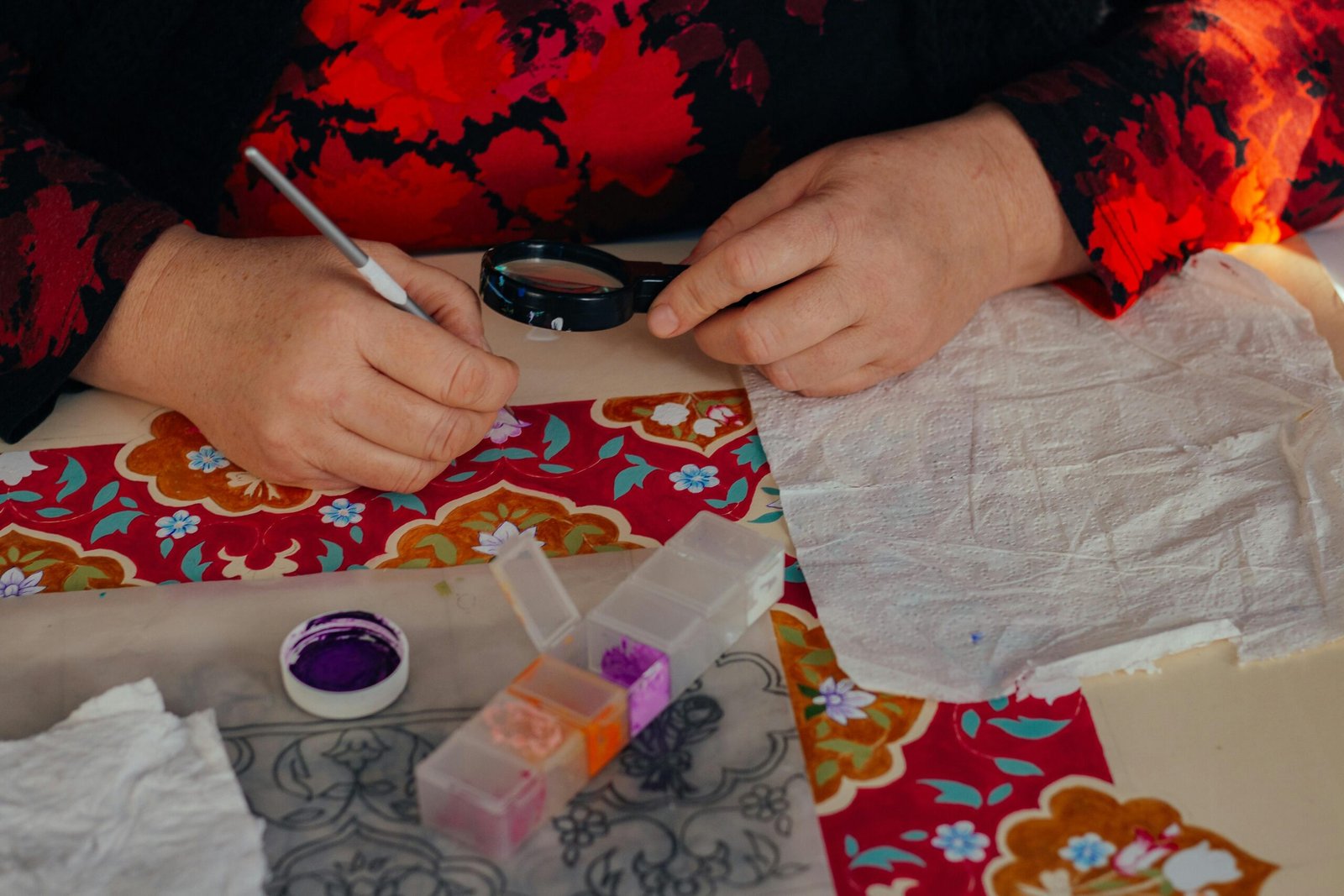
Scrapbooking design can feel confusing at first because it looks like magic when you see a beautiful finished page. Everything seems perfectly placed. The colors work. The photos pop. The title feels natural. Nothing looks crowded, even when there are lots of details.
But here’s the secret: great scrapbook pages aren’t created by having expensive supplies or copying complex layouts. They’re created by applying a few simple design principles again and again—especially balance, spacing, and layering.
If you’ve ever looked at your page and thought:
- “It feels messy.”
- “Something looks off.”
- “I don’t know where to place things.”
- “My embellishments are cute, but the page looks too busy.”
Then this article will help you massively.
You’ll learn design rules that work for any style—clean and simple, vintage, playful, or mixed media. And you’ll learn practical ways to apply them so your layouts look polished without feeling stiff or overly complicated.
The goal of scrapbook design: clarity, not decoration
Before we get into techniques, you need one mindset shift:
A scrapbook page is successful when the viewer understands the story quickly.
That means:
- the photos are the main focus
- the title supports the photos
- journaling feels like part of the page (not randomly added)
- embellishments guide the eye instead of distracting it
Many beginners decorate first and then try to fit photos and journaling afterward. That almost always creates clutter.
The better approach is:
photo → structure → title → journaling → embellishments
When you build in that order, your pages feel clean and intentional.
The 3 most common design problems (and why they happen)
Let’s identify the problems that cause “busy” pages so you can recognize them instantly.
Problem 1: Too many focal points
If everything is big, bold, and colorful, the viewer doesn’t know where to look. The eye jumps around. The story gets lost.
Problem 2: No breathing room
When elements are too close together, the page feels cramped. White space isn’t “empty.” It’s a design tool.
Problem 3: Random placement
If embellishments and paper pieces are placed without alignment or structure, the page looks messy—even if the supplies are beautiful.
Now let’s fix these with the design basics.
Balance: how to make your page feel stable and pleasing
Balance is the feeling that your layout is evenly “weighted.” Not symmetrical—just stable.
Imagine your page is a scale. If one side has too much visual weight, the page feels like it’s tipping.
Visual weight comes from:
- darker colors
- bold patterns
- large photos
- thick titles
- big embellishments
- high contrast (black + white)
- clusters of details
Two main types of balance
1) Symmetrical balance
Both sides feel evenly matched. This is clean, organized, and beginner-friendly.
Example:
- photo cluster centered
- title centered
- journaling underneath
- embellishments mirrored lightly
This style works well for:
- clean and simple layouts
- formal events
- albums that need consistency
2) Asymmetrical balance
One side may have a bigger photo cluster, but the other side balances it with smaller elements like journaling, title, or a small cluster.
Example:
- large photo cluster on the left
- journaling block on the right
- small embellishments spread subtly
Asymmetrical balance is more dynamic and modern, and it’s extremely common in scrapbook design.
The easiest balance trick for beginners: the triangle rule
Place three small embellishment clusters so they form a triangle around your photo area.
Why it works:
- it guides the eye naturally
- it distributes visual weight
- it makes the layout feel finished
A “cluster” can be as simple as:
- one sticker + one enamel dot + one label
That’s enough.
Quick balance check
Step back and ask:
- Is the heaviest area of the page only on one side?
- If I cover the photo cluster with my hand, does the rest of the page feel empty?
- If I cover the title area, does the page still look stable?
If the page feels empty without the cluster, you need small supporting elements or journaling to balance it.
Spacing: the difference between “busy” and “polished”
Spacing is what makes scrapbook pages readable. It’s what keeps your designs from looking cramped.
A common beginner mistake is placing everything close together because it feels safer. But spacing is what creates elegance.
What is “white space” in scrapbooking?
White space doesn’t have to be white. It simply means “resting space”—areas without heavy pattern or decoration.
White space can be:
- plain cardstock background
- large open area around the photo cluster
- space between layers
- margins around journaling
White space makes the decorated parts look more important.
The “one inch breathing rule”
As a beginner, try this rule:
Leave about one inch of calmer space somewhere on the page—either around the cluster or on one side.
This prevents the “stuff everywhere” look.
Spacing between elements: a simple guideline
- Photos that belong together can be close, but keep edges aligned.
- Embellishments should not touch everything; let them breathe.
- Journaling needs a margin or a journaling block so it doesn’t feel cramped.
The biggest spacing mistake: no margins
If your title, journaling, and embellishments sit right at the edges of the page, it can feel crowded.
A simple fix:
Create a “safe zone” border around the page by keeping everything slightly inward.
Even half an inch makes a big difference.
Layering: how to add depth without chaos
Layering is one of the most beautiful parts of scrapbooking. It adds texture, depth, and richness. But layering becomes messy when it’s uncontrolled.
The key is to layer with intention.
Why layering works
Layering:
- frames your photos
- adds contrast
- creates a focal area
- makes simple pages look finished
But too many layers, too many patterns, or too many shapes can turn layering into clutter.
The beginner layering formula (safe and effective)
Try this 3-layer system:
Layer 1: background cardstock (neutral)
Layer 2: patterned paper panel (medium size)
Layer 3: photo mats (1–2 layers)
Then add small embellishments only around the photo cluster.
This formula creates depth without overwhelming the page.
How to choose layering papers so they don’t fight
Use this simple rule:
- one bold patterned paper
- one subtle pattern or texture
- one solid
If you use three bold patterns, your layers will compete instead of supporting the photo.
Matting photos: the cleanest layering tool
Matting means placing paper behind your photo like a frame.
Beginner matting tips:
- use a thin white mat for crispness
- add one patterned mat for theme
- add one solid mat to tie it into your color palette
Even one mat makes a photo stand out dramatically.
Layering with scraps (without looking messy)
Scraps can look amazing if you repeat shapes and keep them aligned.
Try:
- stacking rectangles behind photos
- using banners tucked behind the photo
- layering tags behind one side
- building a small strip stack under journaling
Scrap layering looks intentional when you:
- limit to 2–3 shapes
- keep edges aligned or purposefully offset
- repeat at least one color across layers
Visual hierarchy: how to make your page easy to understand
Hierarchy is about making sure the viewer knows what to look at first, second, and third.
A great scrapbook layout usually follows this viewing order:
- Photo
- Title
- Journaling
- Embellishments
If your embellishments are louder than your photo, the hierarchy is broken.
How to create hierarchy easily
- Use one larger hero photo
- Use neutral background
- Use embellishments in small clusters
- Keep titles bold but not massive
- Keep journaling readable and contained
Hierarchy is what makes a page feel “professional.”
Alignment: the secret weapon most beginners ignore
Alignment is one of the simplest ways to make layouts look polished immediately.
When things line up, the page looks calm.
When things don’t line up, the page looks chaotic—even if every element is cute.
Easy alignment rules
- Align photos to each other (same top edge or same bottom edge)
- Align journaling block with photo edge
- Align title with the cluster
- Align embellishments to the same invisible grid
Even if your layout is creative, use alignment somewhere. It gives structure.
The invisible grid trick
Imagine your page has invisible vertical and horizontal lines.
Place elements so they sit on those lines, even loosely. This makes everything feel connected.
Clustering: the right way to place embellishments
Embellishments look best when grouped, not scattered randomly.
A scattered page feels messy because the viewer’s eye keeps jumping around.
A clustered page feels intentional because the details have “homes.”
The “cluster recipe” (simple and effective)
A cluster can be made with:
- 1 medium embellishment (sticker or die-cut)
- 1 small embellishment (dot, heart, star)
- 1 text element (label or word sticker)
That’s all you need.
Repeat 2–3 clusters on the page and your layout will instantly look more designed.
Where to place clusters
Best areas:
- around the photo corners
- near the title
- near the journaling block
Avoid placing clusters far away from the main story area unless you’re balancing a heavy side.
The “busy page” rescue checklist (use this when something feels off)
If you finish a page and it feels chaotic, don’t start over. Use this checklist.
Step 1: Remove one thing
Pick the busiest area and remove one embellishment or patterned layer.
Most pages improve when one element is removed.
Step 2: Add breathing room
If the background is busy, add a neutral cardstock layer behind the cluster.
Step 3: Simplify patterns
If you used multiple bold patterns, replace one with a solid or subtle texture.
Step 4: Contain journaling
Put journaling on a card or block so it looks intentional.
Step 5: Rebuild hierarchy
Ask: is the photo clearly the star?
If not, reduce the size/brightness of surrounding decorations.
Color control: how to avoid the “everything is loud” look
Even if you love color, you need control.
A beginner-friendly color rule:
Use 2–3 main colors and repeat them.
If your page includes 6–7 different bright colors, it often feels chaotic.
The easiest way to control color
Pull colors from your photo:
- pick one dominant photo color
- pick one supporting color
- add a neutral
Then match papers and embellishments to those.
The “pop color” technique
Use one bright color in tiny doses:
- a word sticker
- a small heart
- a label
- a dot
This makes the page feel exciting without overwhelming it.
Texture and dimension without clutter
Beginners often add too many embellishments to make pages feel “special.” But you can add texture with very little.
Try:
- foam tape under the photo for shadow
- a small piece of fabric or ribbon tucked behind a mat
- a torn paper edge
- a subtle vellum layer
- a stitched line (real or faux)
Texture should support the story, not dominate it.
A simple layout blueprint you can repeat every time
If you want a repeatable system, use this blueprint:
- Choose one hero photo
- Add a neutral cardstock base
- Add a patterned paper panel (not full background)
- Mat your photo (1–2 mats)
- Add a title near the photo
- Add journaling in a contained block
- Add 2–3 embellishment clusters
- Step back and remove one element if needed
This blueprint works for almost any theme and style.
The biggest design lesson: your page doesn’t need more, it needs intention
Scrapbooking is about memory-keeping, and the best pages feel clear, calm, and meaningful.
Balance keeps your page stable.
Spacing keeps it readable.
Layering gives depth without noise.
Once you understand these three basics, you’ll stop guessing and start designing with confidence.

Isabella Garcia is the creator of a blog dedicated to crafts and home care, focused on making everyday life more creative, organized, and enjoyable. The blog shares practical tips, easy DIY projects, home organization ideas, and simple solutions to take better care of your living space. Whether you’re a beginner in crafting or someone looking for inspiration to improve your home routine, Isabella’s blog offers clear, useful, and hands-on content to help you create a cozy, beautiful, and well-cared-for home.