
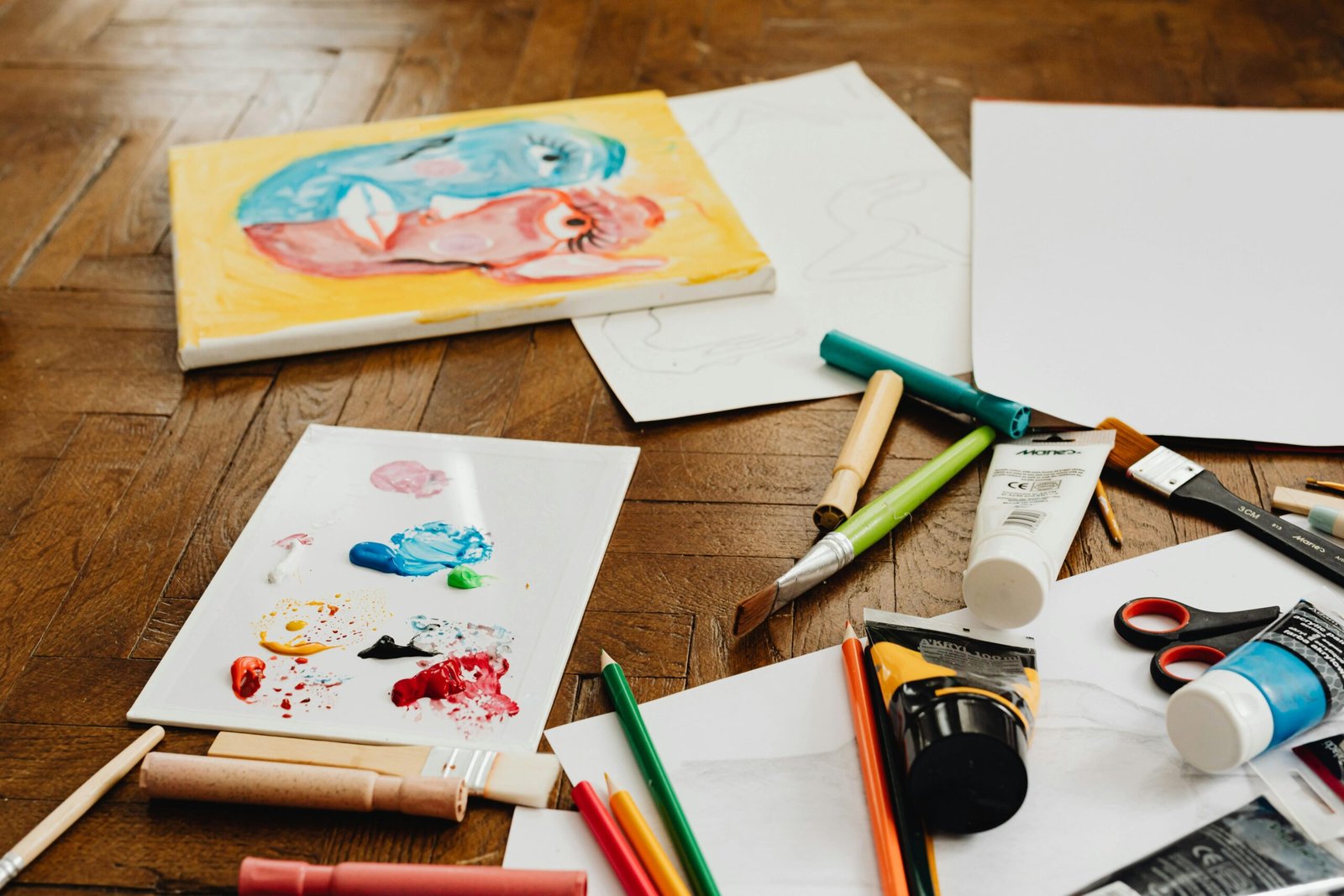
Photos are the heart of scrapbooking, but they need a plan
If scrapbooking has a “main character,” it’s the photo. Paper, stickers, and embellishments are important—but photos are the reason your scrapbook exists in the first place. Still, many beginners struggle with the photo side of the craft:
- “I have too many photos. Which ones do I choose?”
- “My photos don’t match each other.”
- “I don’t know how to crop without ruining them.”
- “My layout looks messy even when the supplies are cute.”
The truth is: scrapbooking with photos is a skill, and the good news is it’s a learnable one. When you understand how to select, crop, and arrange photos, your pages instantly look more intentional—even with simple supplies.
This guide will teach you a complete photo workflow for scrapbooking: what to print, how to edit and crop without stress, how to build a photo story, and how to arrange photos so your pages look polished instead of crowded.
Step 1: Choosing photos that tell a story (without overthinking)
Most people take a lot of pictures. The challenge isn’t finding photos—it’s choosing the right ones.
A strong scrapbook page usually tells one clear story. That story can be big (a vacation) or small (a cozy Sunday morning). Your goal is to choose photos that support that story.
The “One Story” method
Before picking images, ask:
- What moment am I documenting?
- What emotion do I want to remember?
- What is the page about in one sentence?
Example sentences:
- “This was our first beach trip of the year.”
- “This day felt calm and safe.”
- “We laughed so hard during this birthday.”
Once you have that sentence, photo selection becomes easier.
The 3-photo rule for beginners
If you’re overwhelmed, limit yourself to:
- 1 hero photo (the main photo)
- 1 supporting photo (adds context)
- 1 detail photo (small moment or close-up)
That’s it. Three photos can tell a complete story without crowding your page.
What makes a “hero photo”?
A hero photo is the one that carries emotion and clarity. It usually has:
- a clear subject (people, place, object)
- a strong facial expression or meaningful action
- good lighting or readable details
- a moment you’d want to frame
Even if it’s not technically perfect, if it feels important, it’s hero-worthy.
What if you only have messy photos?
Sometimes the best memory is captured in a blurry, imperfect photo. You can still scrapbook it. You just need to support it with:
- strong journaling
- a simpler layout
- a smaller photo size (imperfections become less noticeable)
Scrapbooks are for real life, not professional photography.
Step 2: Sorting photos fast (so you actually scrapbook more)
One reason people stop scrapbooking is photo overload. Here’s a simple sorting system that saves time.
The “3 folders” system
Create three folders on your phone or computer:
- Scrap Now
Photos you’re excited to scrapbook soon. - Scrap Later
Photos you like but don’t feel urgent. - Archive
Everything else you keep but probably won’t scrapbook.
This prevents you from searching through thousands of images every time you want to make one page.
The “pick 10, then reduce” trick
If you’re stuck choosing, do this:
- Pick 10 photos quickly (no thinking).
- Remove 5.
- Remove 2 more.
- Choose your final 3.
This reduces decision fatigue and makes the process feel manageable.
Step 3: Editing photos for scrapbooking (simple, not complicated)
You do not need advanced editing skills. You just want your printed photos to look consistent and clear.
The 5 easiest edits that make a big difference
- Crop (remove distractions)
- Brightness (lift dark photos slightly)
- Contrast (help the subject stand out)
- Warmth (fix photos that look too yellow or too blue)
- Sharpen lightly (only if the image is soft)
Consistency is more important than perfection
If you’re printing multiple photos for one page, aim for them to feel like they belong together. That usually means:
- similar brightness
- similar warmth (all slightly warm or all slightly cool)
A page looks more “professional” when the photos feel like part of the same moment.
Black-and-white photos: a powerful option
Black-and-white photos are amazing when:
- the colors in the photos clash badly
- lighting is inconsistent
- you want a timeless or emotional mood
- your patterned paper is bold
Even one black-and-white photo on a page can calm the whole layout.
Step 4: Printing photos with less frustration
Printing is where many beginners pause because it feels technical or expensive. Keep it simple.
Best beginner photo sizes
- 4×6: classic, easy to find, works for hero photos
- 3×4: great for supporting photos and grids
- 2×3: perfect for detail shots, mini clusters, wallet-style
If you can print a mix of these sizes, you’ll have more layout flexibility.
Glossy vs matte
- Glossy: vibrant colors, but glare can be distracting
- Matte: softer look, less glare, easier to write on if needed
Most scrapbookers love matte or luster for readability.
Border or no border?
White borders can make photos look clean and intentional, especially on busy pages. If your layout feels chaotic, a white border is an easy fix.
Step 5: Cropping photos without fear (the beginner’s guide)
Cropping is not “ruining” a photo. It’s shaping the story.
When you crop, you are deciding what matters most in the frame.
What cropping is really for
Cropping helps you:
- remove distractions (random objects, messy backgrounds)
- improve focus on faces or key details
- create consistent shapes for layouts
- make multiple photos work together
The safest cropping approach
If you feel nervous, use the “non-destructive” method:
- Duplicate the photo file first.
- Crop the duplicate.
- Keep the original unchanged.
This way you can experiment freely.
Cropping tips that instantly improve photos
- Crop closer than you think
Beginners often leave too much empty background. Cropping closer adds emotion. - Keep eyes near the top third
For portraits, place the eyes slightly above the center for a natural look. - Remove “dead space”
If the top of a photo is mostly blank sky, crop some of it. - Create consistent shapes
If you’re using multiple photos, crop them to the same height or width. It looks cleaner immediately.
Cropping for scrapbooking layouts
Think in layout shapes:
- squares for grids
- rectangles for classic pages
- long thin strips for photo sequences
- small squares for detail clusters
Cropping with your layout in mind saves time later.
Step 6: Arranging photos like a designer (without being one)
Great photo arrangement is mostly about structure, spacing, and hierarchy.
Photo hierarchy: deciding what matters most
If every photo is the same size and placed evenly, your page can feel flat. Instead, create hierarchy:
- One large hero photo
- Smaller supporting photos
- Tiny detail photo (optional)
Hierarchy guides the viewer’s eyes naturally.
The “triangle” rule for photo placement
A simple way to make arrangements feel balanced:
- Place photos so the centers form a triangle shape
- This creates movement and keeps the page from feeling stiff
The “grid” rule for clean pages
If you love neat layouts:
- align photos to a grid
- keep equal spacing between photos
- use matching mats
Grids look modern, organized, and beginner-friendly.
The “cluster” rule for cozy pages
If you like layered pages:
- overlap photos slightly
- add paper layers behind them
- include small embellishments around the cluster
Clusters feel warm and creative, but you still need spacing so it doesn’t get messy.
Step 7: How to use photo mats to make everything look better
Photo mats are one of the easiest upgrades in scrapbooking. They add contrast, color harmony, and structure.
Matting options (choose one)
- Single mat: one paper layer behind the photo
- Double mat: two layers (solid + patterned)
- Thin border mat: a narrow strip of white or black around the photo
The contrast rule
- If your photo is bright, use a darker mat.
- If your photo is dark, use a lighter mat.
Contrast makes photos pop.
Matching mats across multiple photos
If you’re using several photos on the same page, use the same mat color for all of them (or the same mat style). Consistency makes a page look unified.
Step 8: Journaling that supports the photos (without taking over)
Your photos show what happened. Journaling tells why it mattered. Even a small caption can do a lot.
Simple journaling formats that work
- One caption per photo (“First day at the beach.”)
- A short paragraph (“We drove for hours, and the sunset felt like a reward.”)
- Bullet list of moments (“Favorite snack, funniest quote, best part.”)
- A “quote box” (something someone said that day)
- A memory list (“Things I never want to forget about this day.”)
The biggest journaling mistake
The most common problem is journaling with no context. Add at least one of these:
- date
- location
- names
- a feeling
- a detail you’d forget later
Even one sentence with a date can make a page meaningful years later.
Step 9: Handling “too many photos” pages (events, trips, birthdays)
Some stories have more than three photos. That’s normal. The solution is not to cram—it’s to structure.
Option A: Multi-page approach
Instead of forcing 12 photos onto one page:
- spread the story across 2–4 pages
- let each page focus on one part of the day
This also helps you build a fuller album without overwhelm.
Option B: Contact sheet or photo strip
Use a page with:
- one large hero photo
- a strip of tiny photos (like a collage)
- short journaling
Tiny photos let you include “everything” without taking over the page.
Option C: Pocket + hidden photos
If you love interactive scrapbooking:
- create a pocket
- place extra photos inside
- add a note like “more photos inside”
This keeps the page clean while preserving the full story.
Step 10: Making photos match your supplies (even when they don’t)
Sometimes your photos feel “off” next to your paper. Here’s how to fix it.
If photos clash with patterned paper
- use more neutral cardstock
- add a white border around photos
- use one patterned paper only as a thin strip
- choose mats that tie the photo to the page palette
If photos are too dark
- brighten them slightly before printing
- use lighter cardstock and mats
- avoid dark, heavy patterned backgrounds
If photos are too colorful and chaotic
- convert one or two to black-and-white
- use muted papers
- keep embellishments minimal
Step 11: Photo storytelling prompts when you don’t know what to scrapbook
If you want to scrapbook more but don’t know what to document, use prompts:
- “A small moment that made me happy this week.”
- “Something I learned recently.”
- “A person I’m grateful for.”
- “A place that feels like home.”
- “A tradition we keep repeating.”
- “My favorite everyday routine.”
- “A funny moment I never want to forget.”
- “A quiet moment that meant a lot.”
These prompts help you create pages that matter—even without big events.
Step 12: A repeatable workflow you can use every time
Here’s a simple workflow you can follow for every page:
- Choose your story in one sentence
- Pick 1 hero photo + 1 support + 1 detail
- Edit lightly for brightness and consistency
- Print in sizes that suit your layout
- Crop with purpose
- Mat photos for contrast
- Arrange using grid or cluster structure
- Add a title and journaling
- Embellish lightly in a triangle pattern
- Step back and remove one thing if it feels crowded
This workflow prevents overwhelm and makes scrapbooking feel easier.
Your photos deserve more than a phone folder
Scrapbooking with photos is about more than arranging images—it’s about preserving a version of your life with intention. Your photos hold emotion, growth, relationships, places, and time.
When you select them thoughtfully, crop them with purpose, and arrange them with structure, your pages become more than “pretty.” They become meaningful.
You don’t need perfect photography. You don’t need expensive supplies. You just need a simple system and the courage to begin.

Isabella Garcia is the creator of a blog dedicated to crafts and home care, focused on making everyday life more creative, organized, and enjoyable. The blog shares practical tips, easy DIY projects, home organization ideas, and simple solutions to take better care of your living space. Whether you’re a beginner in crafting or someone looking for inspiration to improve your home routine, Isabella’s blog offers clear, useful, and hands-on content to help you create a cozy, beautiful, and well-cared-for home.